
Electus Admin 2.0
38.99USD
Package Description
Summary
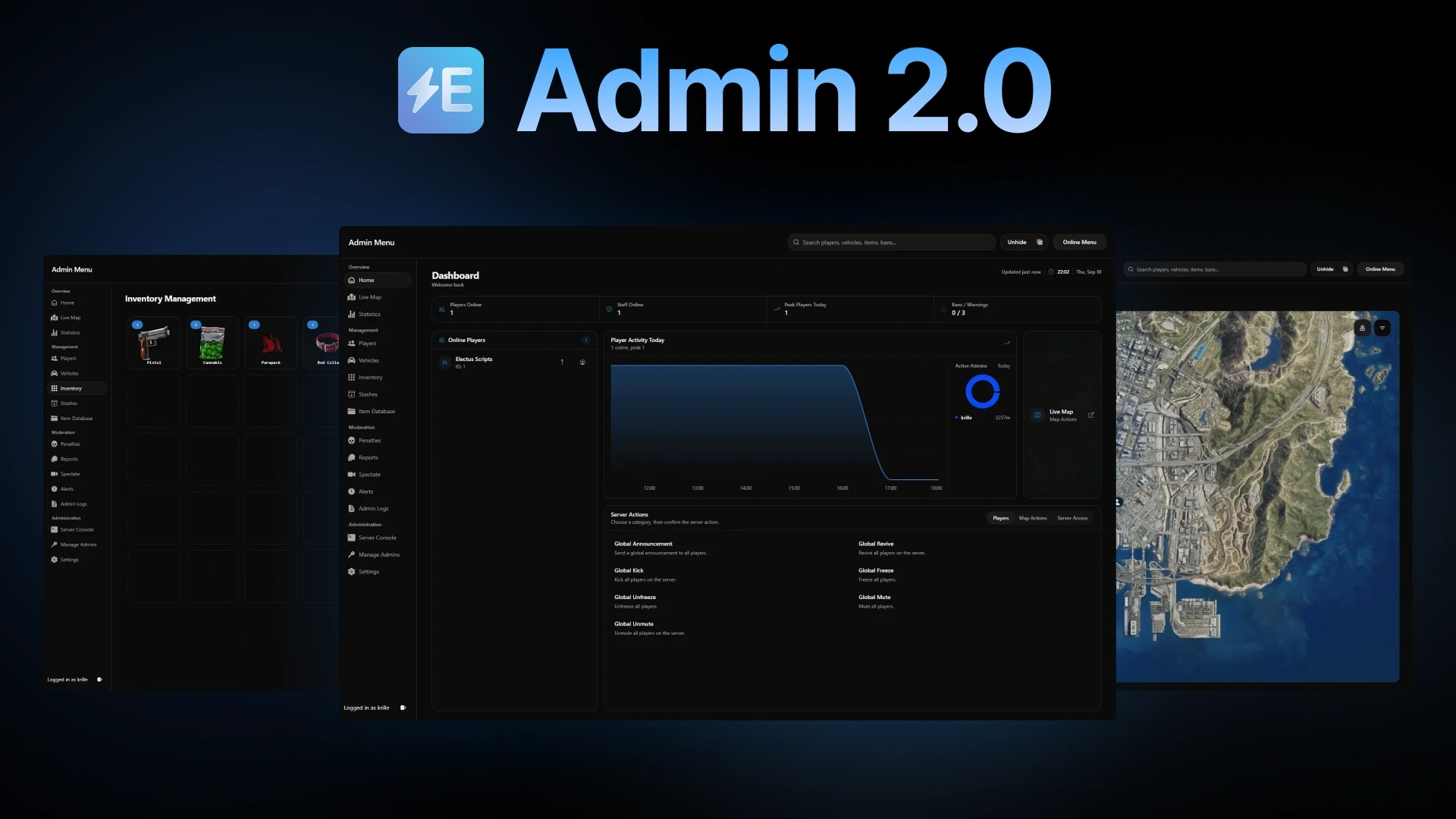
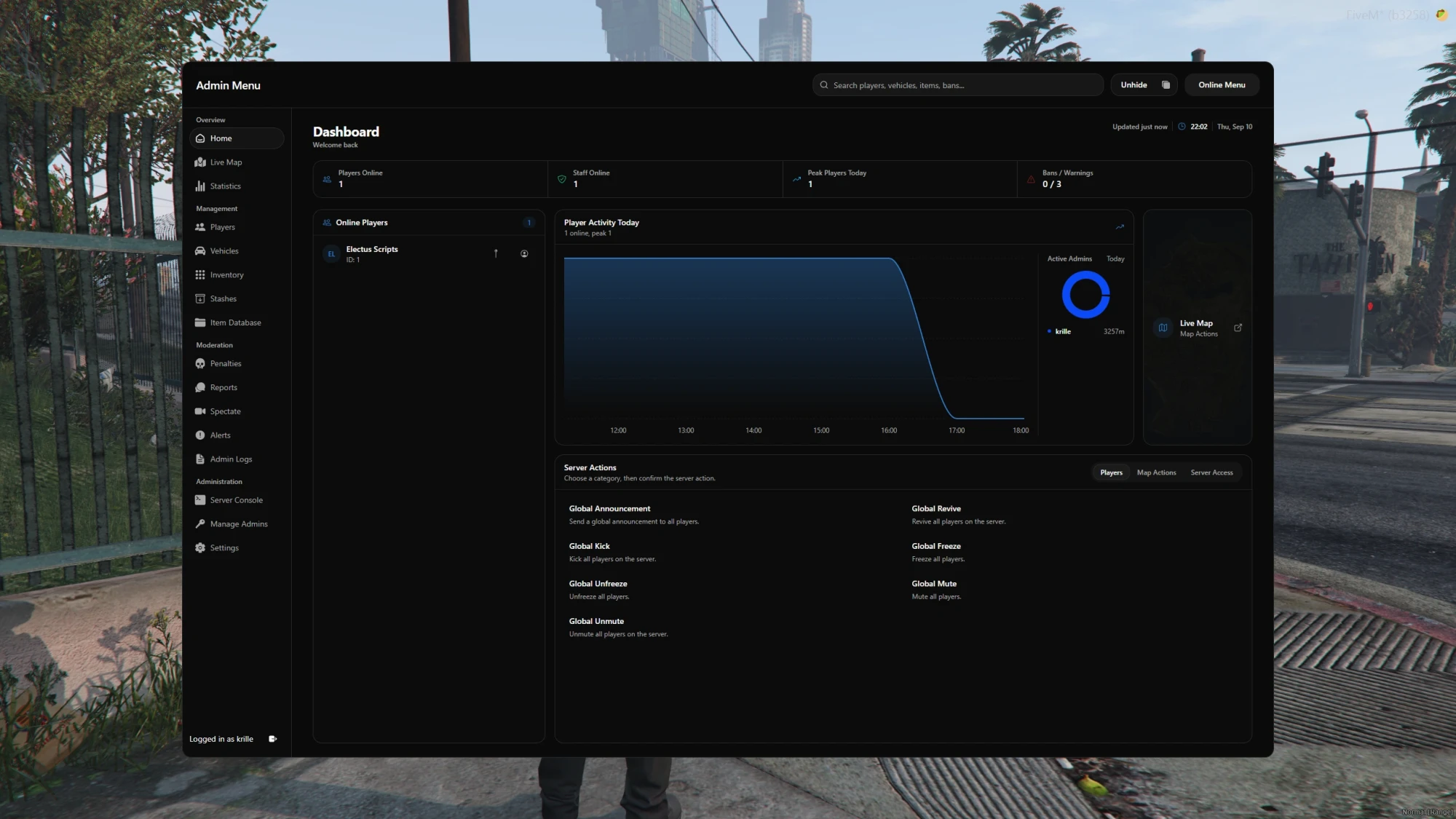
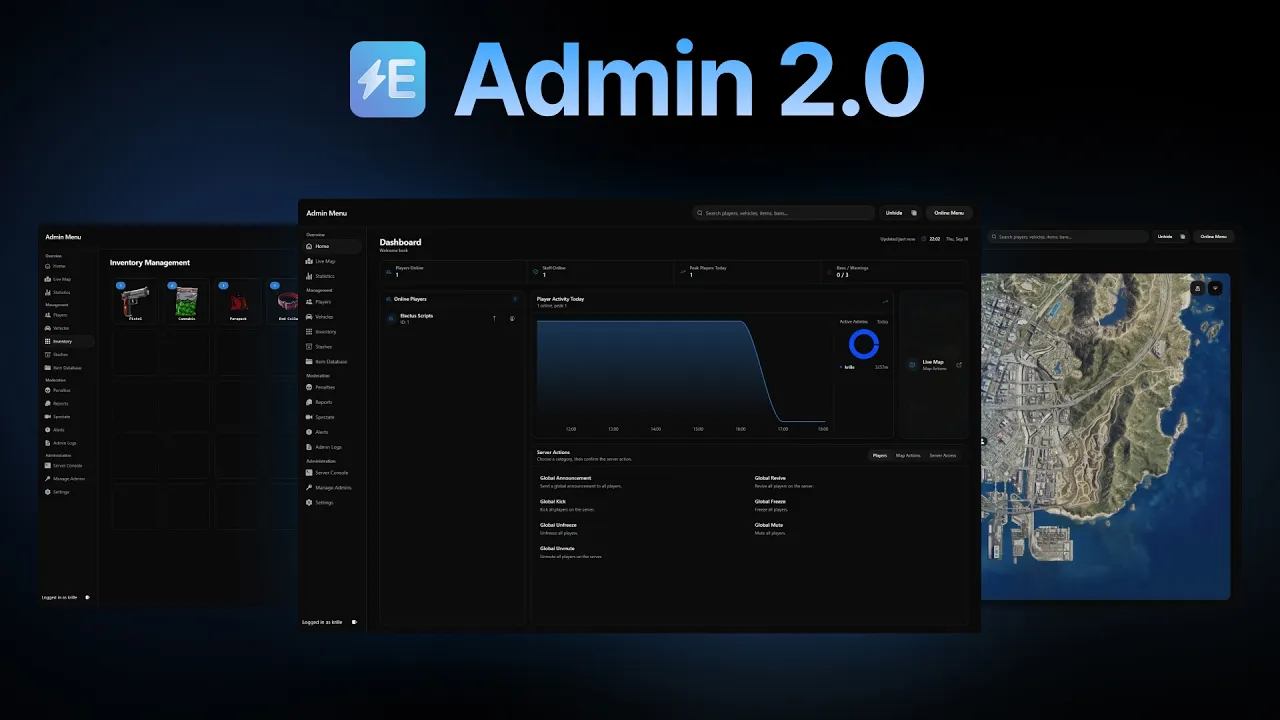
Electus Admin 2.0 brings player management, moderation, and server controls into one dashboard for ESX, QB-Core, and Qbox. Manage online and offline players, inspect inventories and stashes, handle reports, and spectate players from the in-game menu or your web browser. Custom staff roles and action logs help you control access and review changes.
Features
-
In-Game and Browser Access: Use the dashboard inside FiveM or sign in through a web browser to manage your server without joining the game.
-
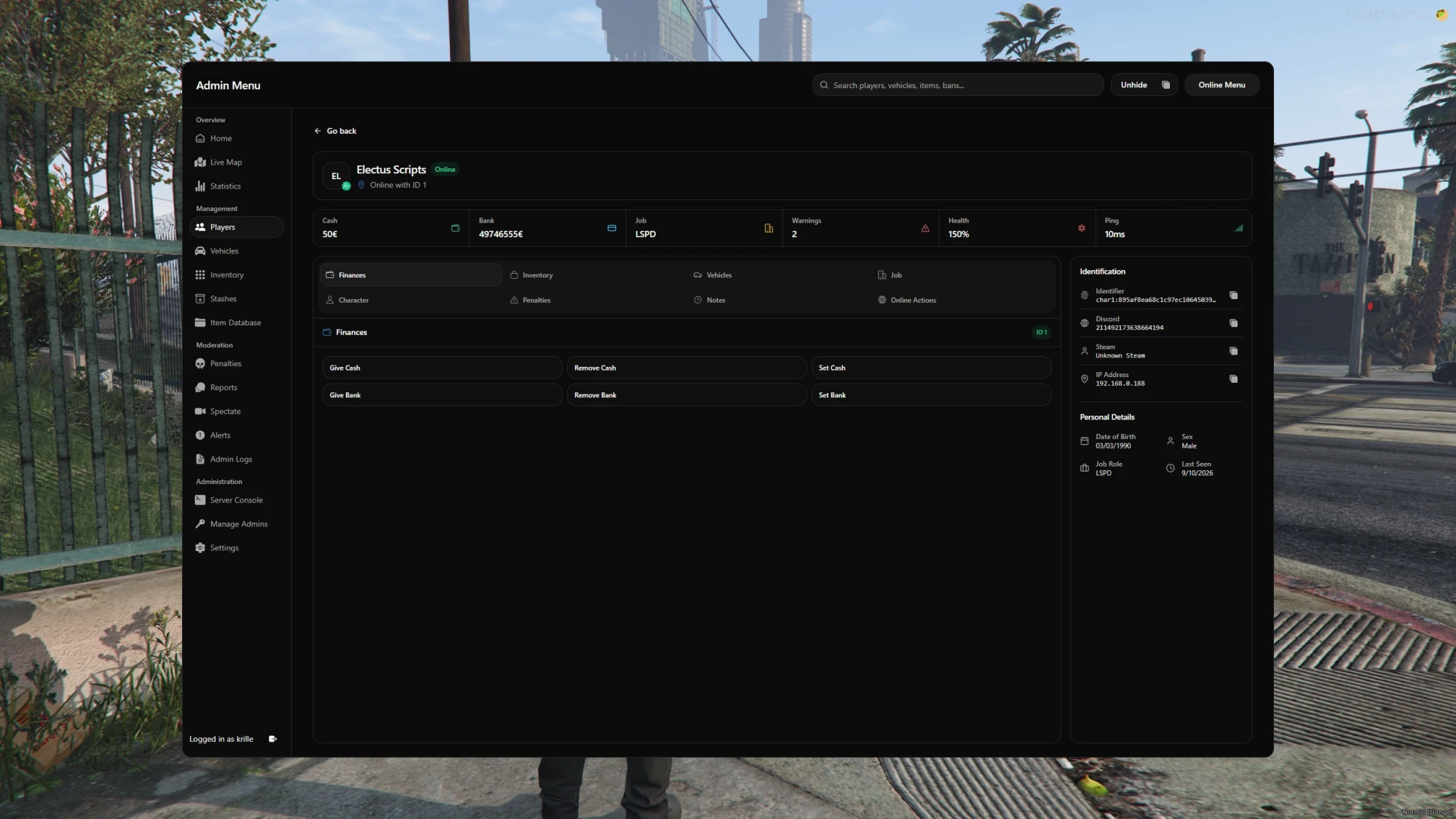
Framework Integration: Edit cash, bank balances, jobs, grades, and character names for online and offline players. Keep staff notes alongside their inventory, vehicles, and penalties.
-
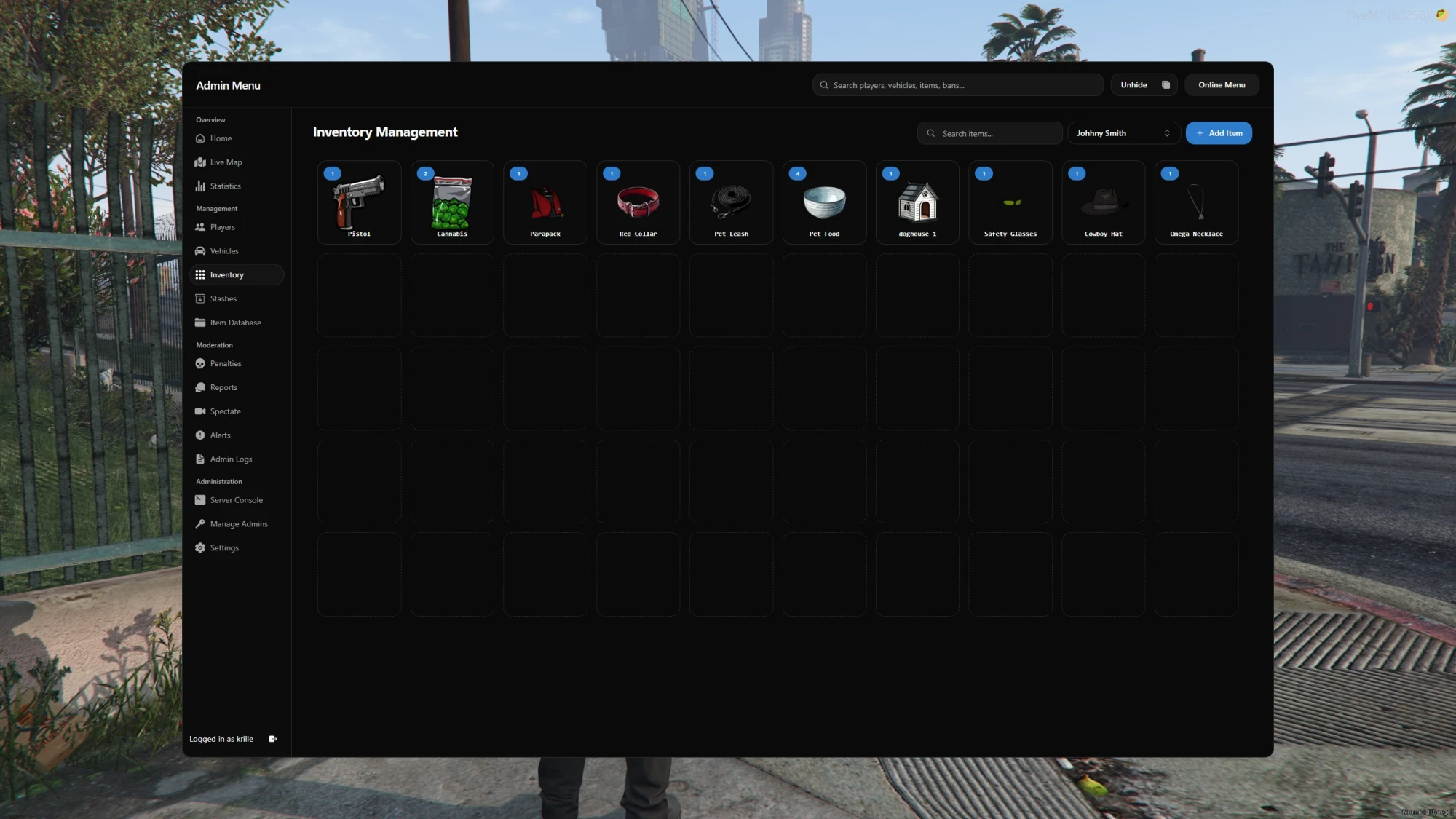
Inventory Integration: Inspect player inventories and add, remove, or set item quantities for online and offline characters through supported inventory integrations.
-
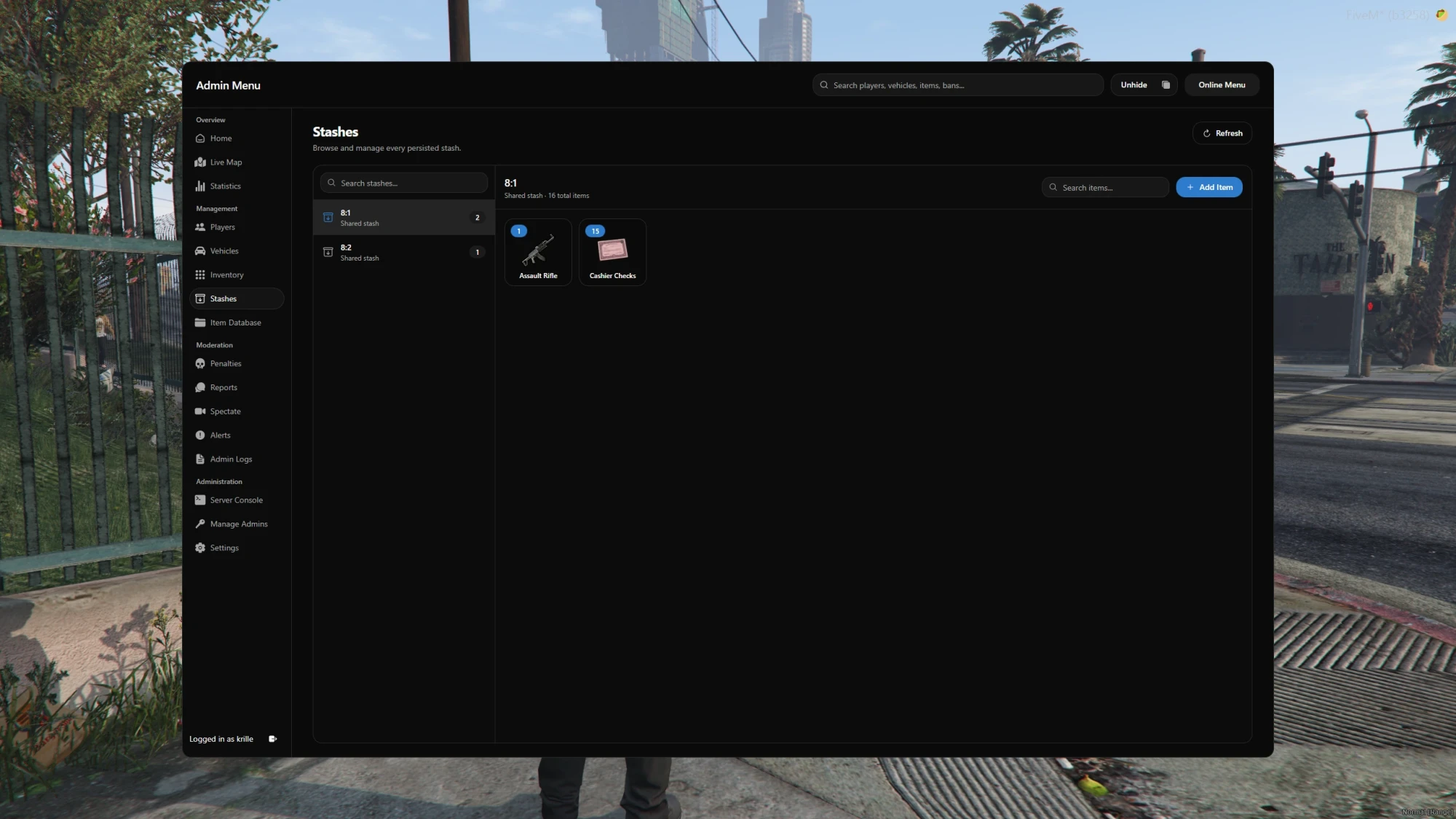
Stash Management: Browse stored stashes, inspect their contents, and add, remove, or adjust items through the configured inventory integration.
-
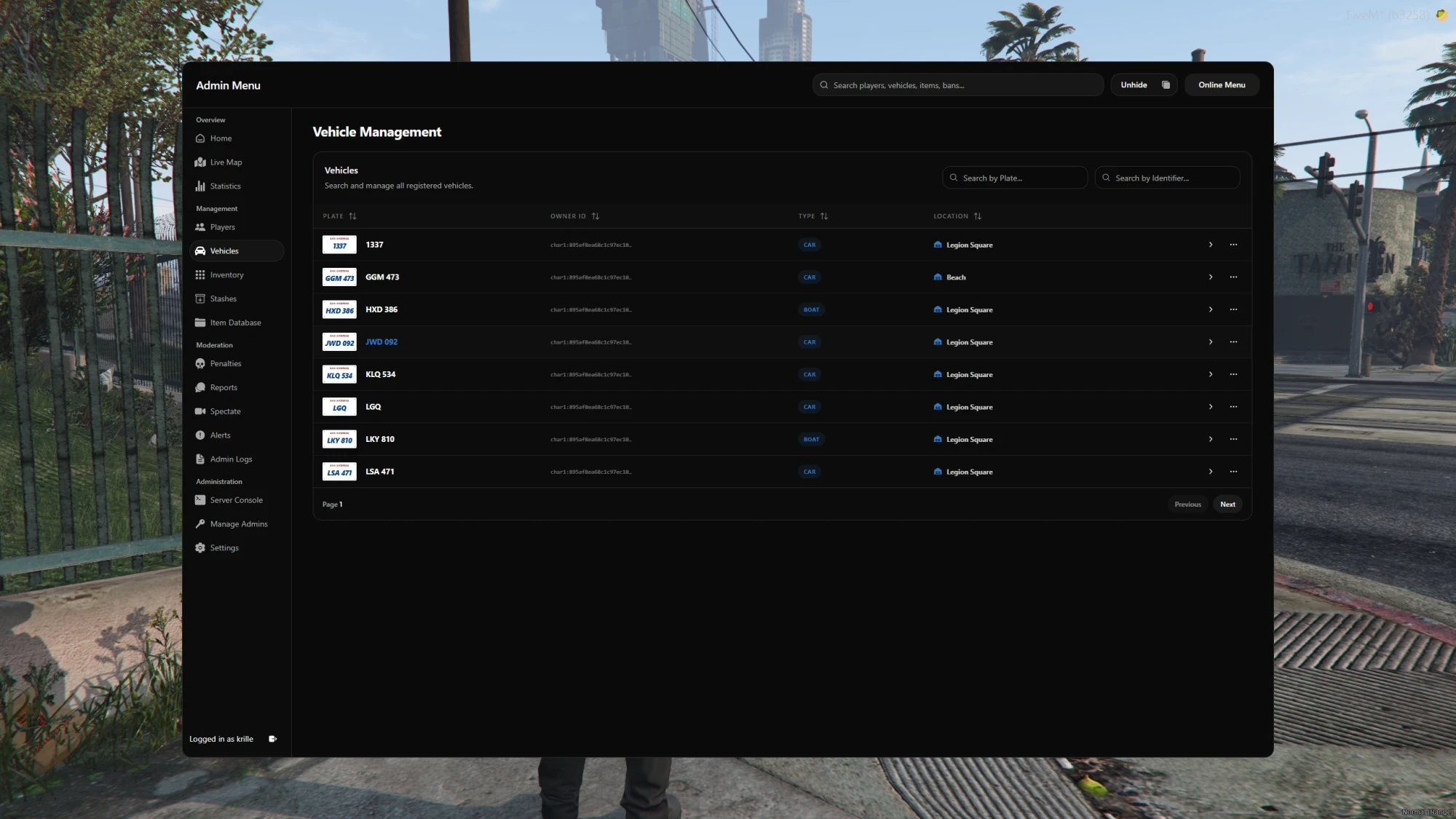
Vehicle and Garage Management: Search vehicles by plate or owner, grant owned vehicles, transfer ownership, and edit plates or garages. Repair, flip, or delete live vehicles and remove stored vehicle records.
-
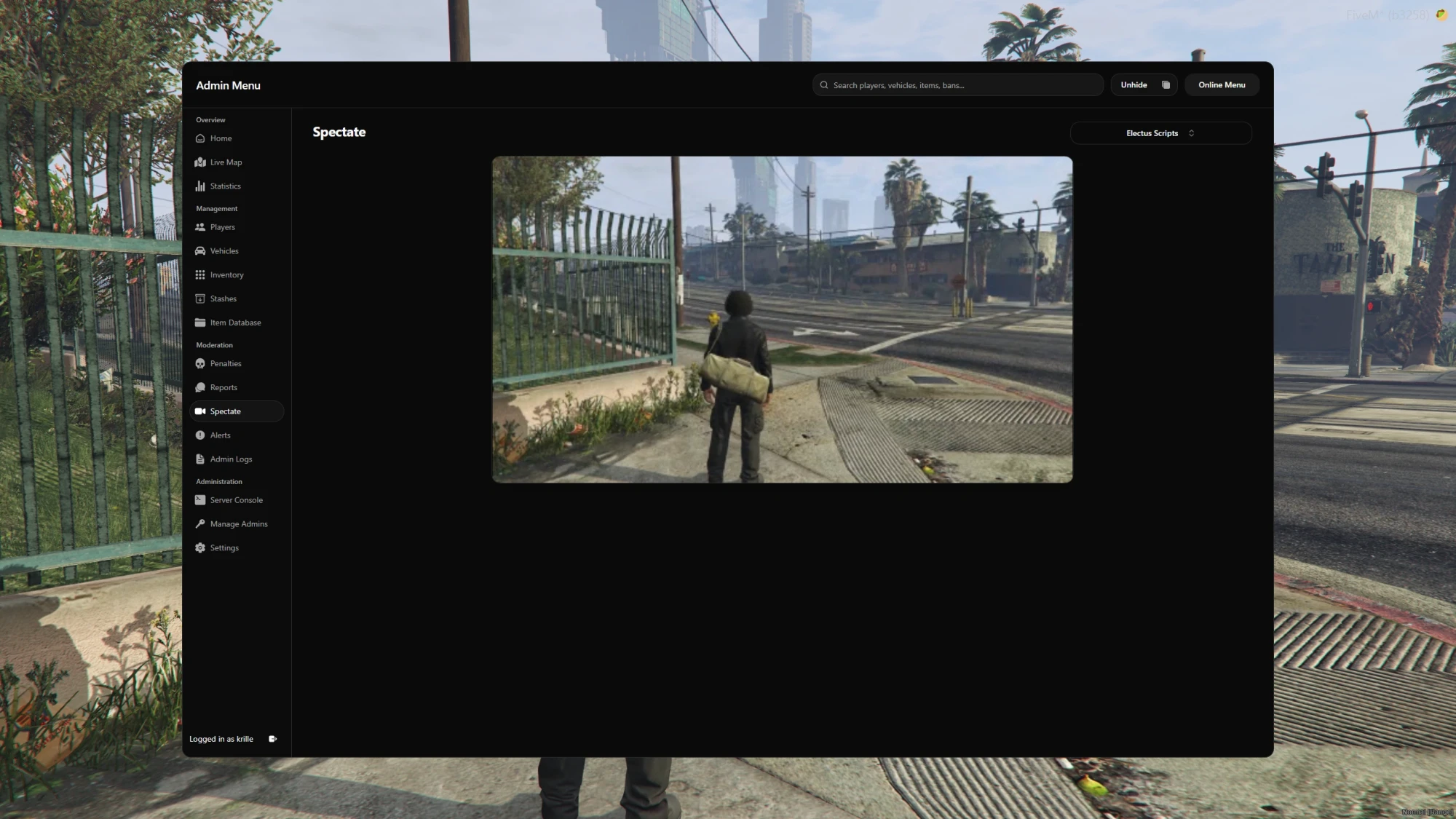
Spectating: Watch a player's live game view directly from the dashboard, including through your browser. Voice audio is available with Mumble configured.
-
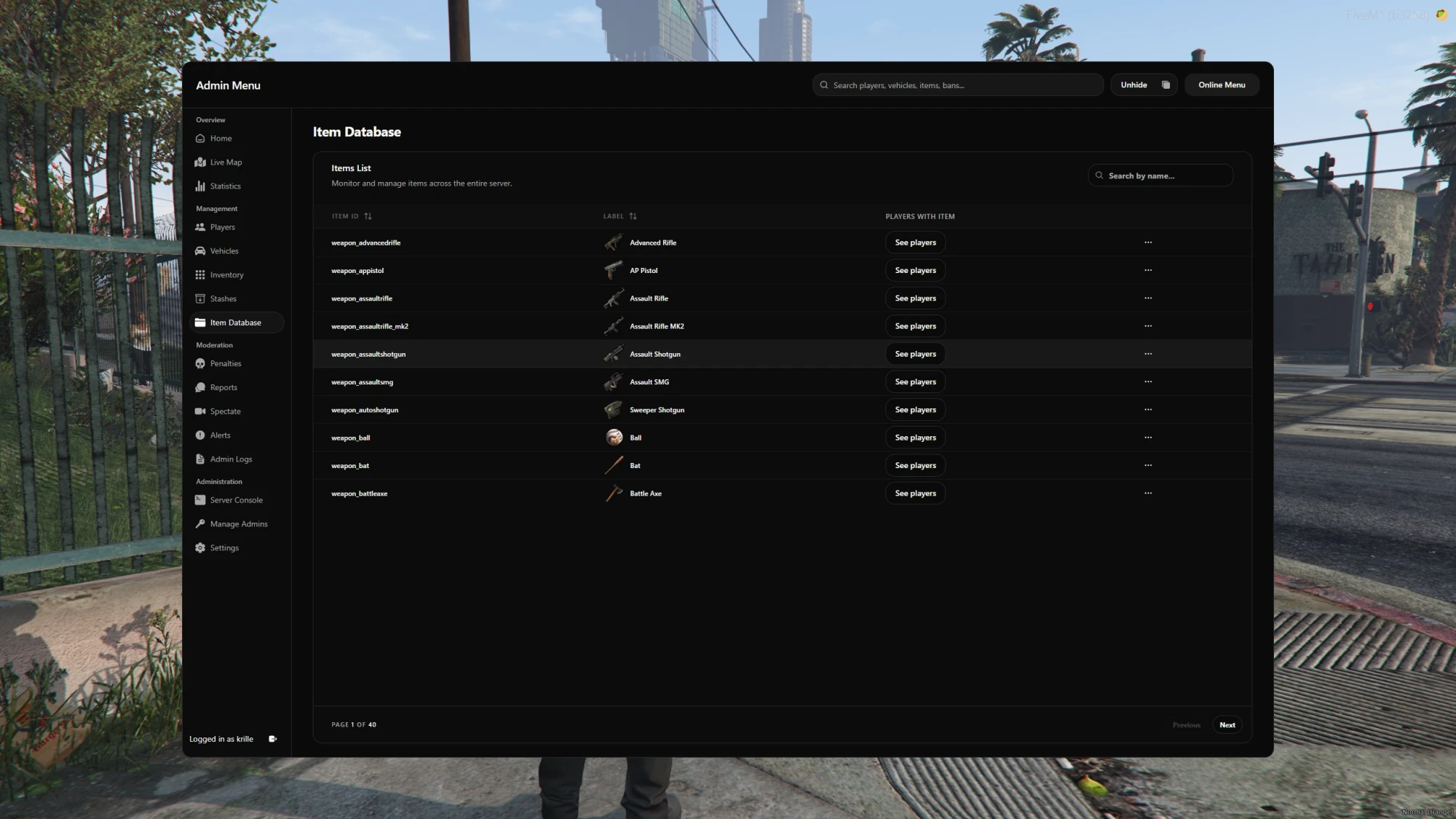
Item Database: Find which players hold specific items and manage quantities across the server with bulk add, remove, and set actions.
-
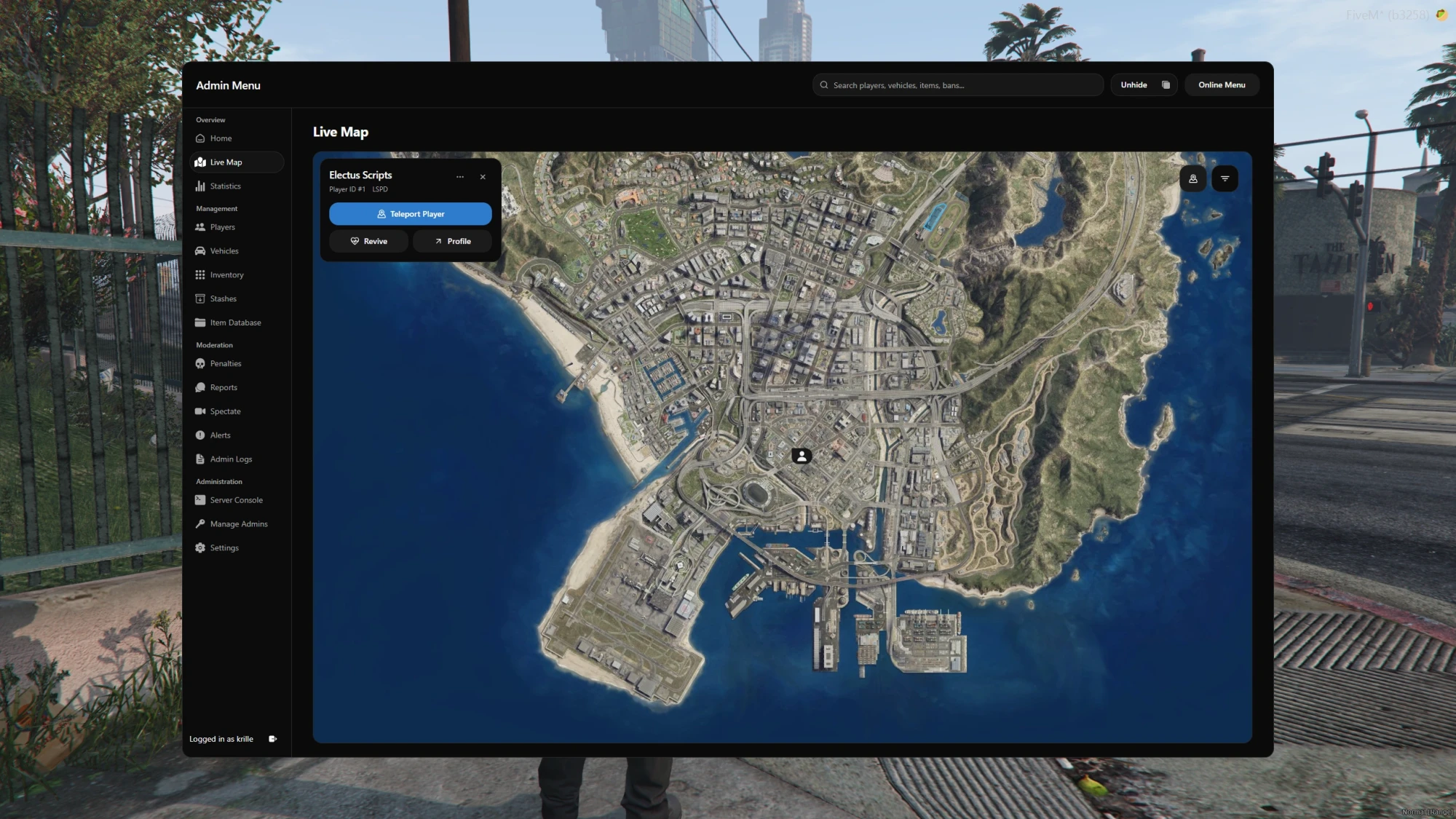
Live Map and Zones: Locate online players, follow movement trails, and teleport or revive players from the map. Create circular or polygon zones with weapon restrictions, speed limits, and entry rules.
-
Global Search: Search for players, vehicles, items, bans, and warnings from one search bar, then open the matching record.
-
Player Reports: Players can submit reports and follow the conversation. Staff can claim tickets, use saved replies, attach evidence, take player actions, and close reports with a resolution reason.
-
Player Interaction: Teleport, heal, revive, freeze, or kick online players. Access noclip, god mode, player IDs, vehicle tools, coordinate copying, and an entity debugger while in game.
-
Penalties: Issue bans and warnings, review player penalty history, and manage existing penalties.
-
Server Actions: Send announcements, revive, freeze, or mute players, delete props, peds, and vehicles, and control time and weather.
-
Server Console: View server console output and run commands with the required staff permissions.
-
Statistics: Review daily, weekly, and monthly player counts, server balances, job counts, and selected item holders. Track report activity by staff member.
-
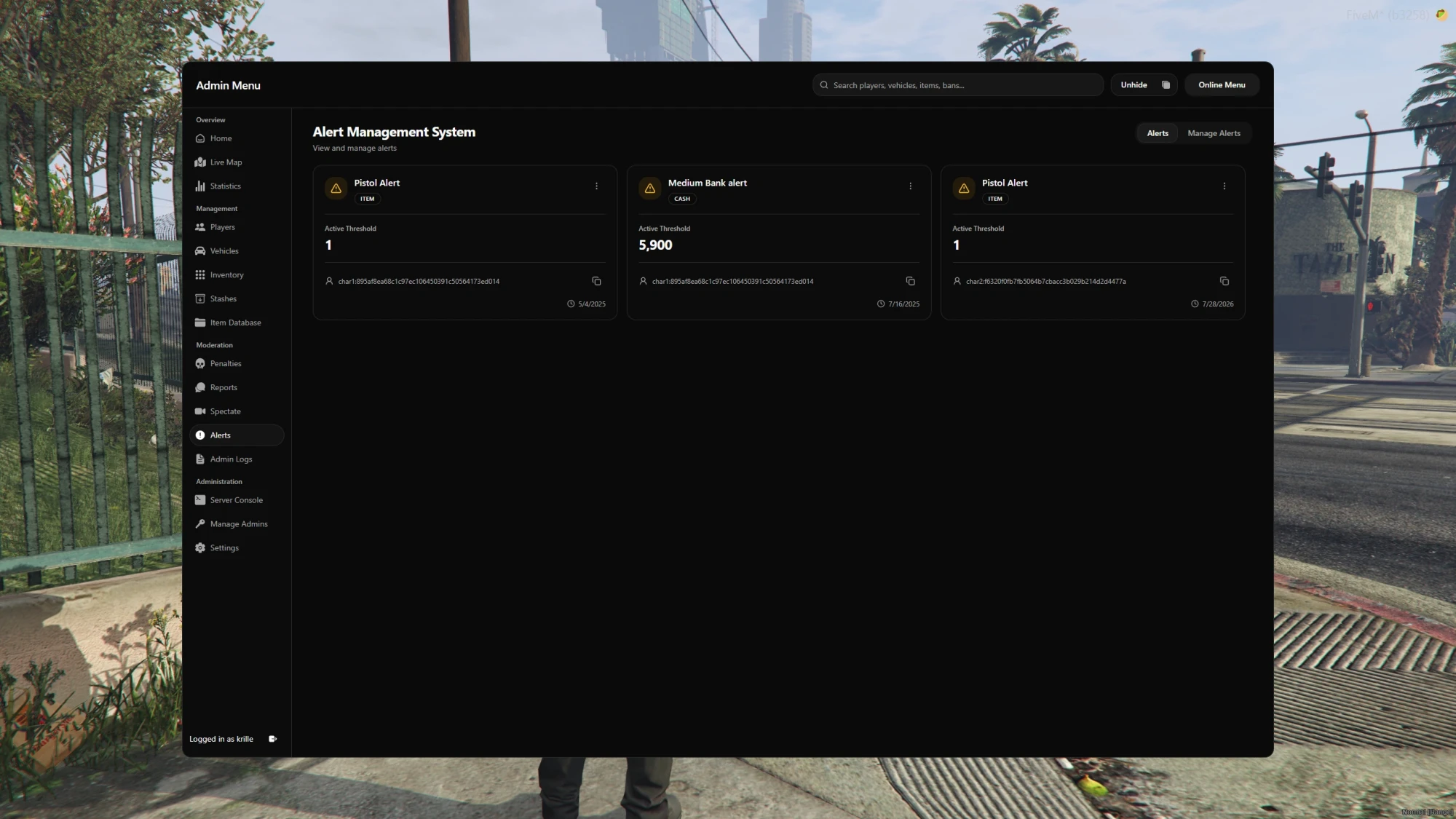
Alerts: Configure cash, bank, item, and vehicle thresholds to flag matching players for staff review.
-
Admin Logs and Undo: Review staff actions and resource logs. Undo supported inventory, money, job, name, and vehicle changes within the configured time window.
-
Staff Roles and Permissions: Create roles with permissions for individual tools and actions, assign them to staff members, and track staff activity.
-
Theme Customization: Choose light or dark mode and configure interface colors to match your server.
Usage
-
Admin Menu: Registered staff can open the dashboard using
/adminmenuor sign in through the configured browser URL. Assigned roles determine which tools each staff member can access. -
Player Reports: Players use
/reportto submit an issue and/reportsto follow their reports. Staff claim the ticket, investigate, reply, and record the outcome when closing it. -
Noclip: Registered admins can toggle noclip using
/noclip. Command names are configurable.
Technical Details
-
Framework Support: Supports ESX, QB-Core, and Qbox.
-
Requirements: Requires a supported framework,
ox_lib, andoxmysql. Player screenshots usescreenshot-basic. -
Inventory Support: Includes integrations for
ox_inventory,qb-inventory,qs-inventory,core_inventory, Codem inventory, and ESX inventory. Stash support depends on the configured integration. -
Garage Support: Includes integrations for
esx_garage,qb-garages,jg-advancedgarages,cd_garage, andop-garages. -
Browser Setup: Requires an HTTPS address configured through
web_baseUrlor a domain with a reverse proxy or tunnel. -
Spectate Audio: Spectate voice audio requires Mumble.
-
Code Accessibility: Partly accessible, including framework integrations, configuration, and other customization files.
-
Support: Includes free support through the Electus Discord.
-
Updates: Includes free future product updates.